getregal.com has the ability for accounts to be setup in a submit / approve hierarchy.
When a user has permission to request an order instead of submitting an order, they can shop as normal but at the end they will see this:
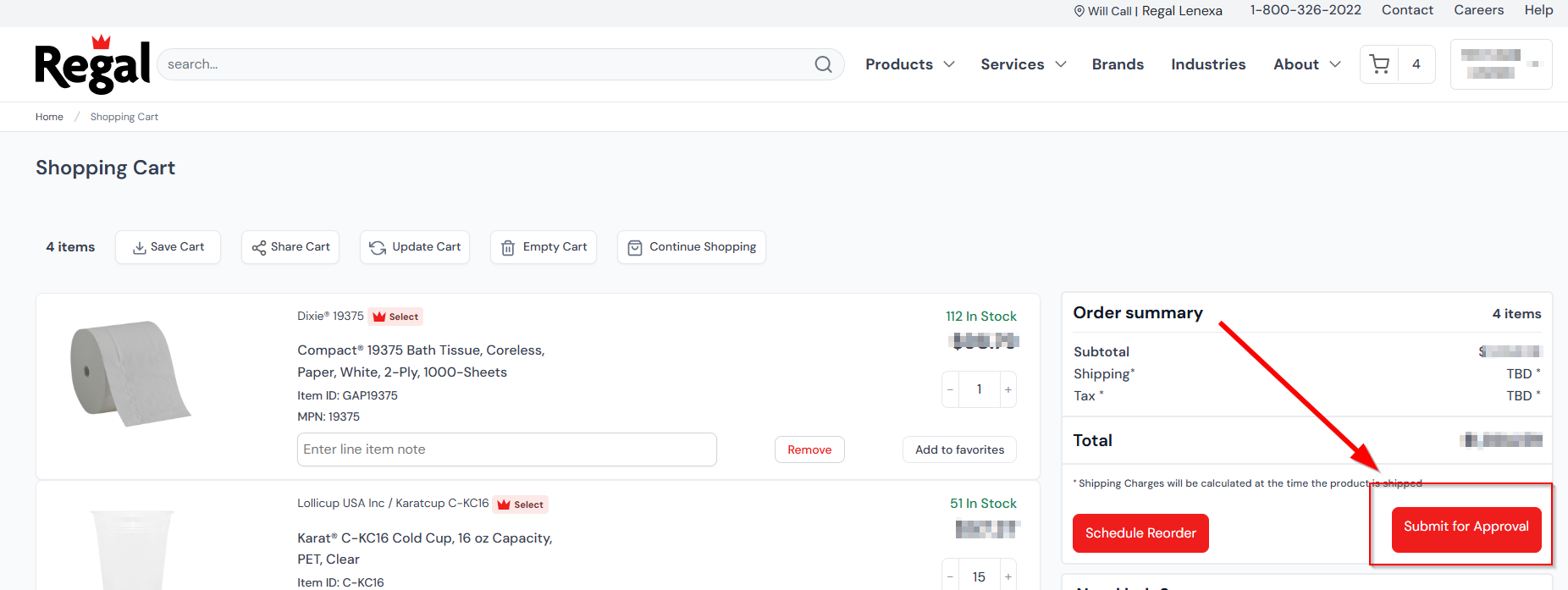
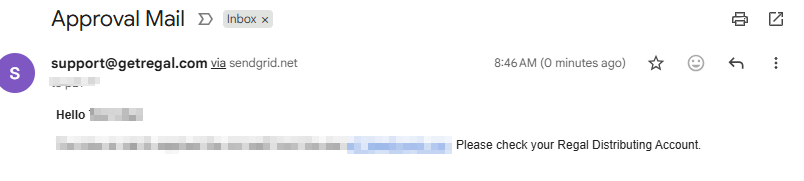
When they click “Submit for Approval,” a cart request will be sent to their designated approver(s). The approver(s) will be notified via email to check their account:
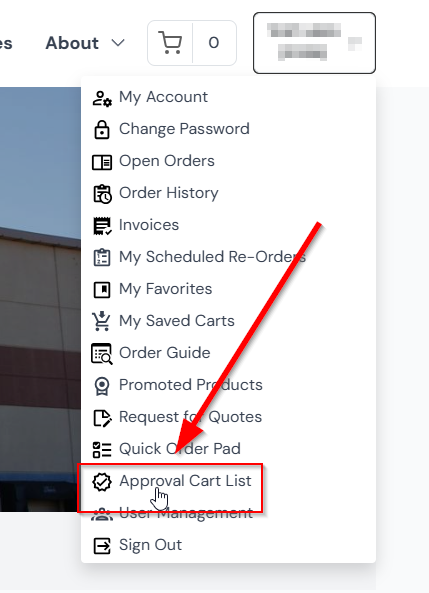
Once notified, the approver will need to sign in to their getregal.com account. They will see the “Approval Cart List” option in their user menu:
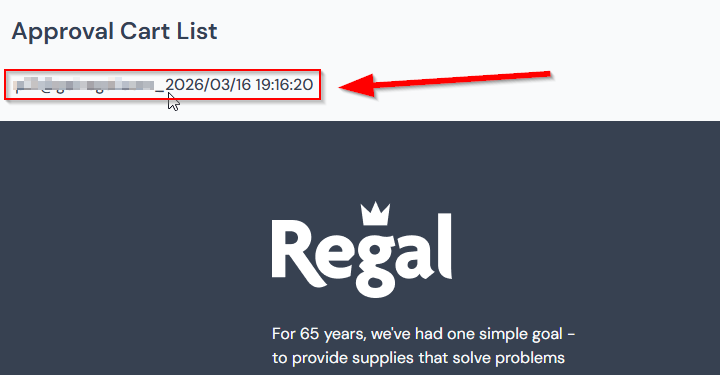
When clicking this, they will see a list of all carts needing approval:
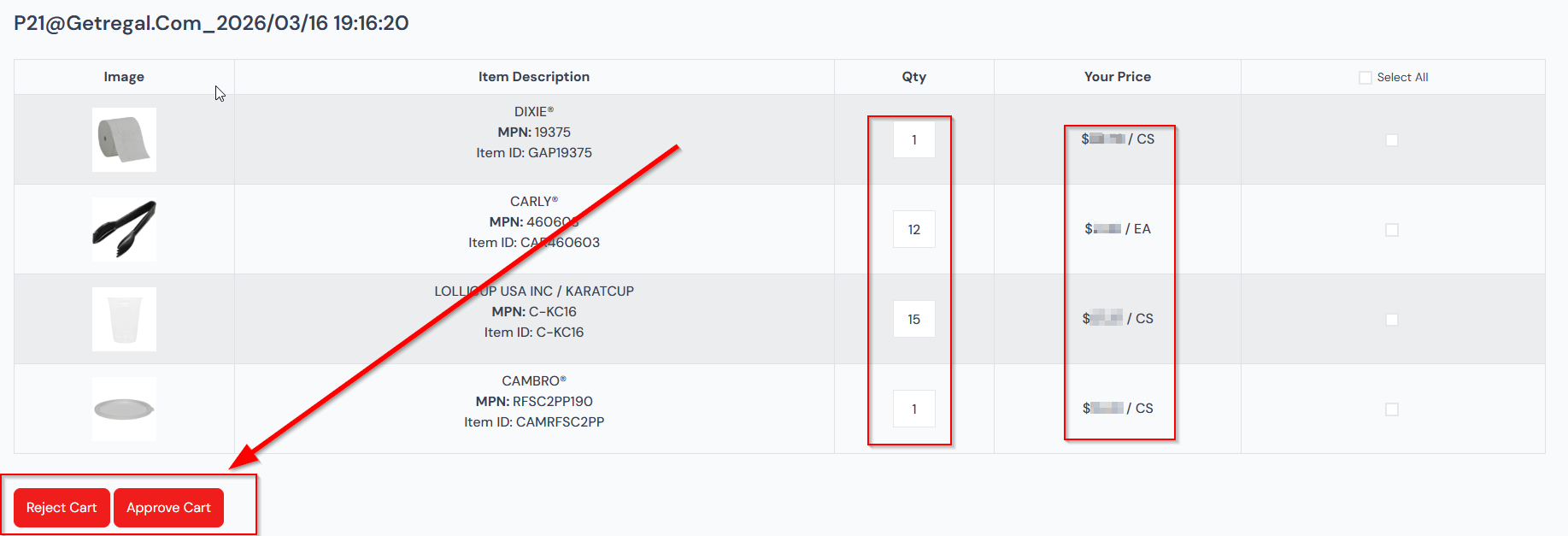
When they click a cart, you will see approve / reject options at the bottom left of your screen with a display of what item(s), quantities, and prices:
If approved, it will bring you to checkout:
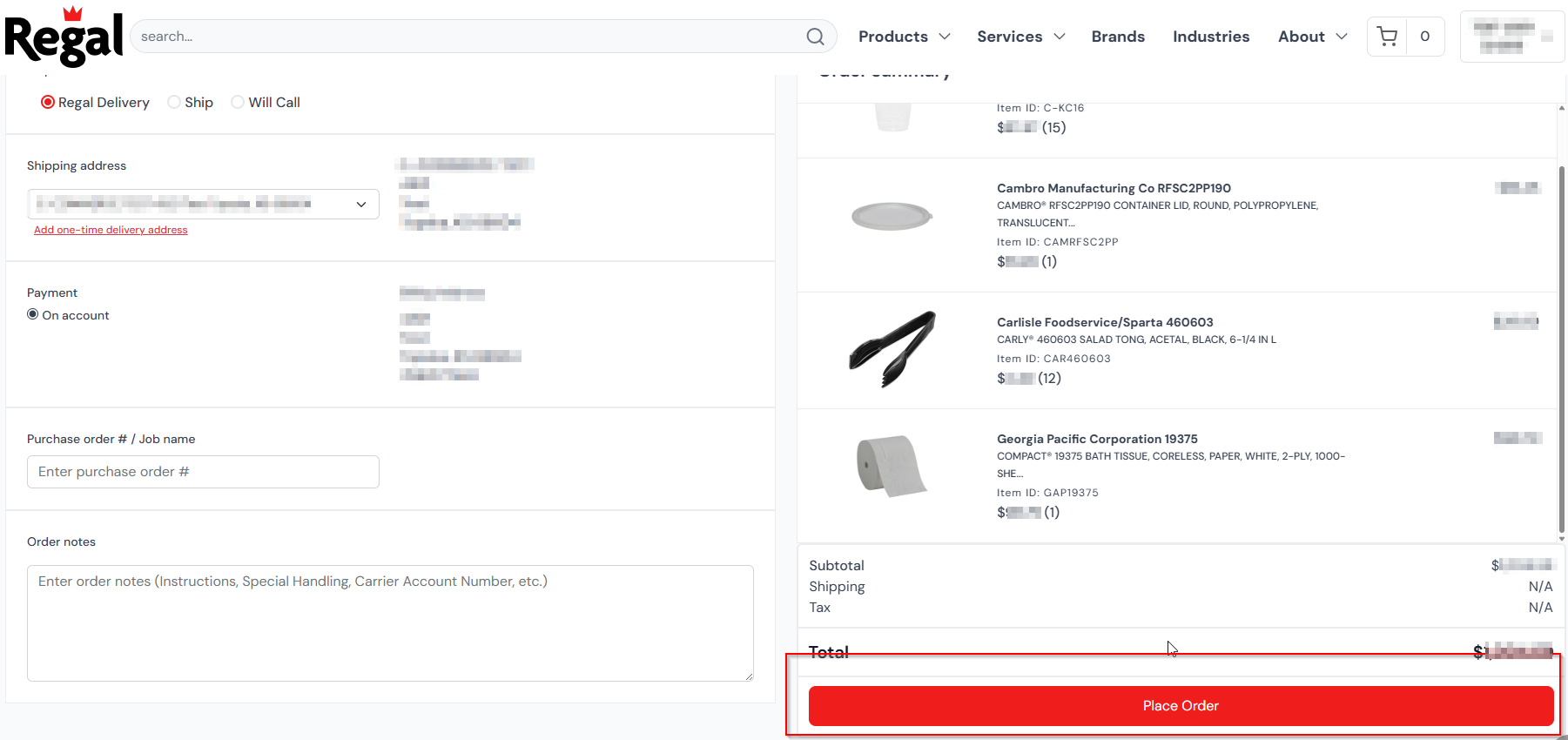
Where you can modify / add new notes to an order before placing it.
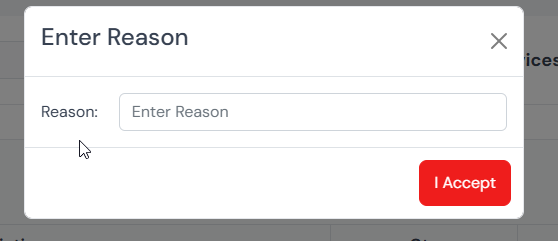
If rejected, the approver will be prompted for a rejection reason that will be emailed to the requester: