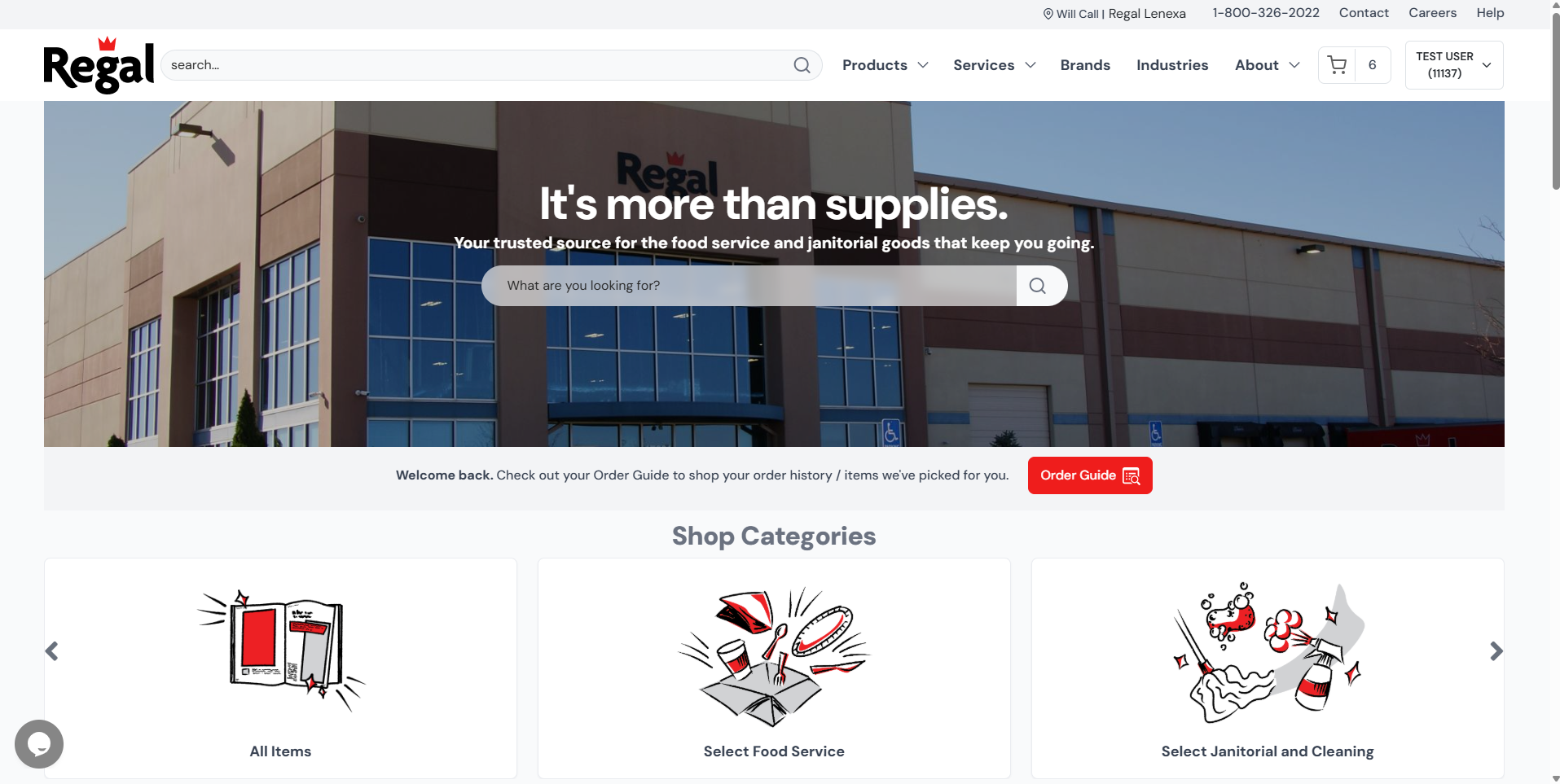
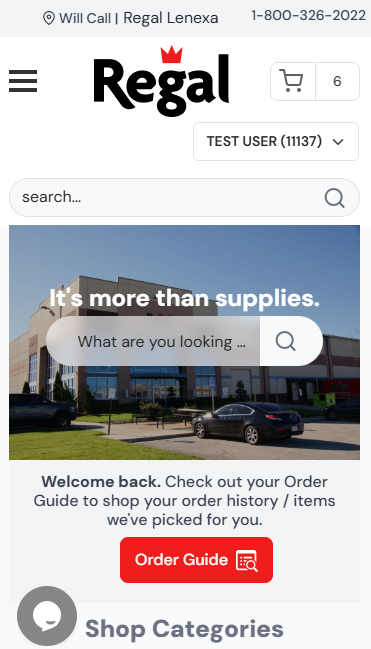
Regal’s home page is the e-commerce launching point. This help page goes through the navigation options available to you on the page.
Order Guide
To access your order guide, look for the “Order Guide” button right below the large search area:
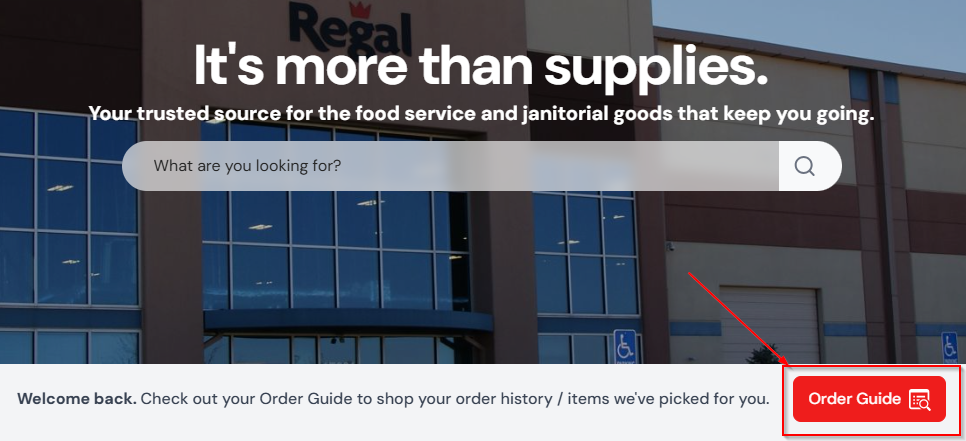
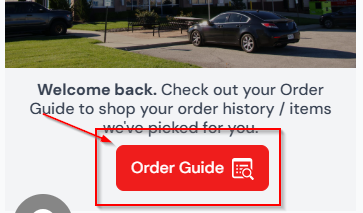
Your order guide is your personalized history mixed with curated selections we’ve sourced for you.
Shop Categories
Below the search and order guide buttons, the “Shop Categories” slider is located. This shows all available categories available to you. By default, the “All Items” category will bring you to every item Regal sells online. The “Select” categories refer to our core catalog offerings. Learn more about Regal Select here.

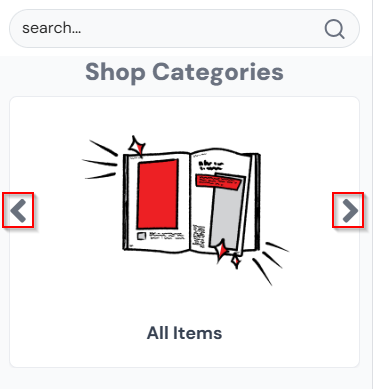
Clicking the left and right arrows will cycle you through the different categories.
User Menu
The “User Menu” displays many of the e-commerce tools and reports available to you.
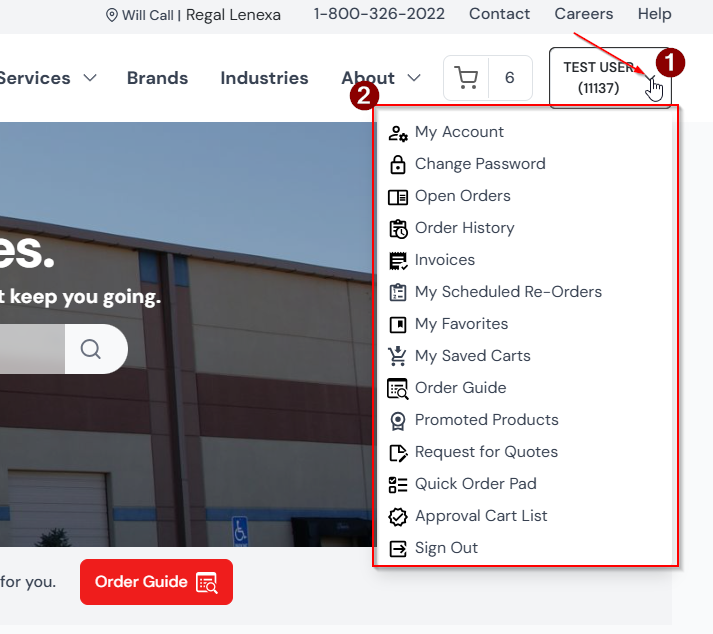
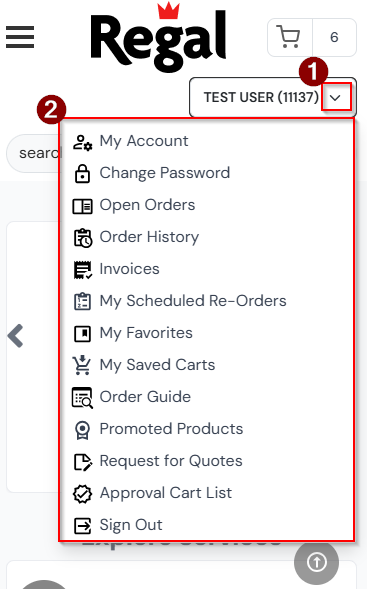
Notice your “Order Guide” is also accessible from here. As the User Menu is on every page, you can use it to quickly get places from anywhere on the site.
Menu Bar
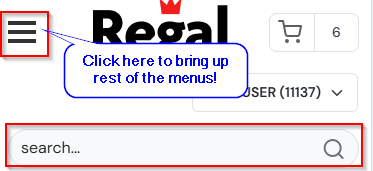
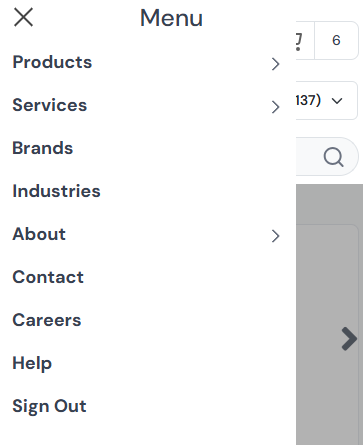
The “Menu Bar” displays search and all options on PC. On mobile, you see the search bar and the rest of the menus are behind the hamburger button.

Your Cart
To view your cart, within the Menu Bar click the cart button: